Productivity

May 6, 2026
5 AI tools for UX designers in 2026
AI tools reshaping modern UX workflows
Eugene,
UX/UI Designer

Most UX designers are under pressure to move faster without sacrificing quality. Stakeholders want to see multiple design options. Developers need production-ready specs. Users expect accessible, intuitive experiences. And you’re supposed to deliver all of this while also conducting research, refining interactions, and maintaining a consistent design system.
AI tools for UX designers are helping bridge the gap between rising expectations and limited time. According to Figma’s 2025 AI report, 78% of designers and developers believe AI boosts their work efficiency. The right tools let you explore more ideas, surface accessibility issues early, and validate your layouts with data, not just intuition.
Read on to learn:
5 of the top AI tools for UX design and what makes each one unique
How each tool fits into different parts of the UX workflow
The key benefits of using AI in UX design
1. Uizard
Ideal for: Wireframe scanning
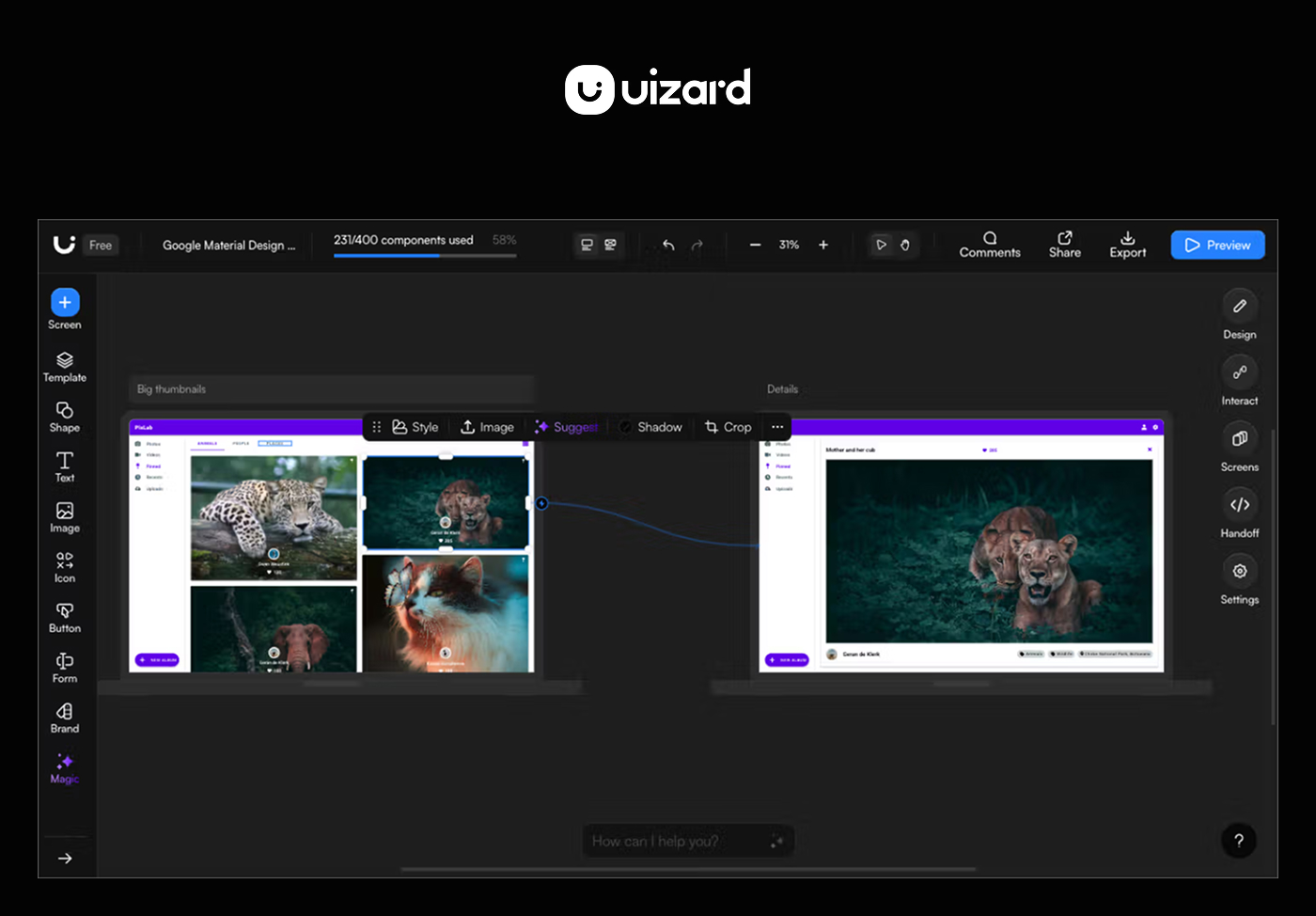
Uizard stands out for one unique feature: its ability to scan hand-drawn wireframes and convert them into digital designs. If your team sketches ideas on paper or whiteboards during brainstorming sessions, Uizard can save you time by turning those sketches into editable mockups.
The tool includes a prompt-to-UI feature and a built-in chatbot that lets you request design revisions through conversation. You can also create interactive prototypes to test basic user flows. For teams that want to move quickly in the ideation phase, Uizard helps you visualize rough concepts with minimal manual work.
However, the designs it generates typically need additional refinement before they’re production-ready. Exporting to other tools like Figma for further editing can be tricky, which means you might need to recreate elements manually. For those reasons, Uizard works best as a quick concept tool rather than a complete design solution.
Key features
Wireframe scanner that converts hand-drawn sketches into digital designs
Prompt-to-UI generation with natural language input
Built-in chatbot for iterative design revisions
Interactive prototyping to test basic user flows
2. Stitch
Ideal for: Exploring new AI tools
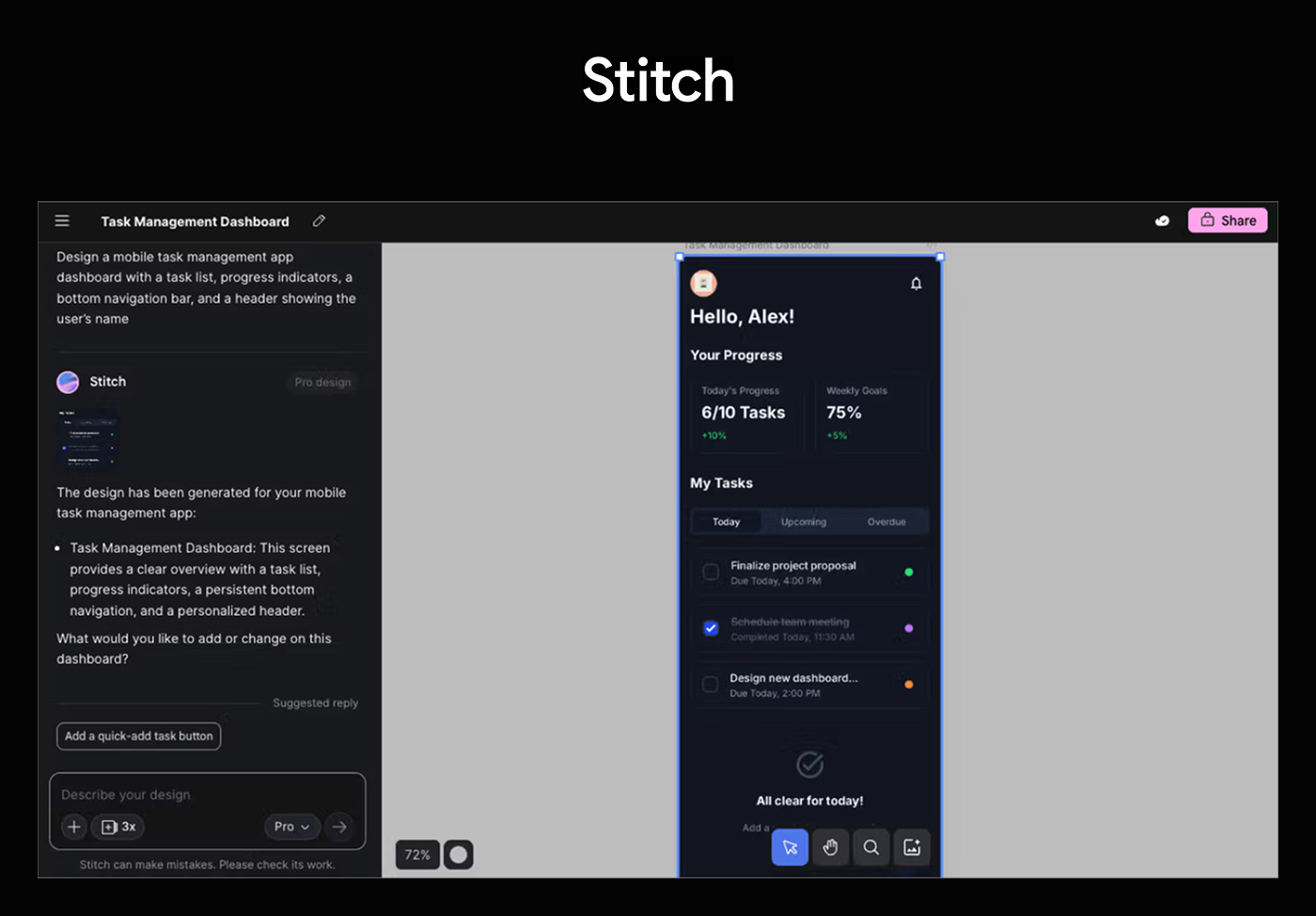
Stitch is a new tool from Google Labs that turns text prompts, images, and wireframes into UI designs and front-end code. Powered by Google’s Gemini models, it’s built for teams who want to move quickly from rough concepts to working prototypes. You can describe what you need in plain language or upload a reference image, and Stitch generates a design along with the corresponding code.
With Stitch, designers can generate variations of screens or entire flows, compare layouts side by side, and refine visual elements without starting from scratch. This makes it ideal for early-stage ideation, concept validation, or user testing, where speed and flexibility matter more than pixel-perfect final output.
But because Stitch is currently experimental, you may encounter limitations: fewer advanced interaction flows, some inconsistencies in brand alignment or component reuse, and a less mature collaboration environment compared to dedicated design platforms.
Key features
UI generation from natural language prompts, images, or wireframes
Powered by Google Gemini
Rapid iteration to explore multiple design directions
Direct export to Figma for further refinement
3. Jasper
Ideal for: Design copywriting
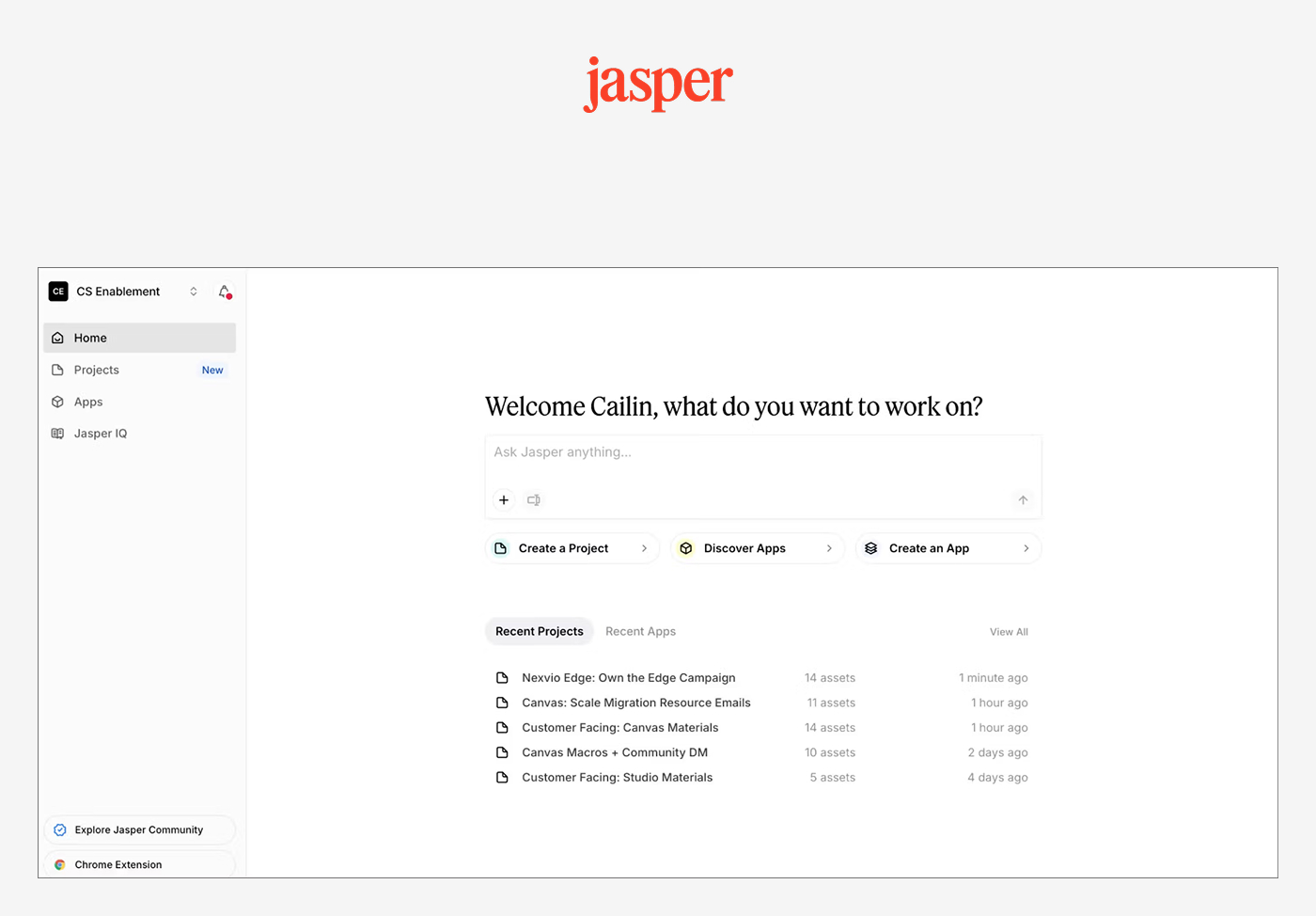
Jasper is an AI writing assistant that helps UX designers solve one of the most time-consuming parts of design work: writing copy. While it’s not built specifically for UX design, it’s become a go-to tool for designers who need to populate mockups with on-brand text quickly. Instead of using lorem ipsum, you can generate product descriptions, button labels, error messages, and microcopy that reflect your product.
The biggest benefits for UX designers are speed and consistency. You can create multiple versions of the same copy to test how different messaging impacts the user experience. This makes it easier to design with real content from the start, which leads to more accurate layouts and better design decisions.
Jasper can also help with other UX tasks like creating user personas, writing survey questions, or summarizing qualitative feedback. That said, it’s still important to have a human editor review the output for accuracy, tone, and clarity before it’s pushed to production.
Key features
Real-time content generation and editing
Multiple tone and style variations for content testing
Template library for common UX writing patterns
Integration with design tools and workflows
4. Attention Insight
Ideal for: Eye-tracking simulation
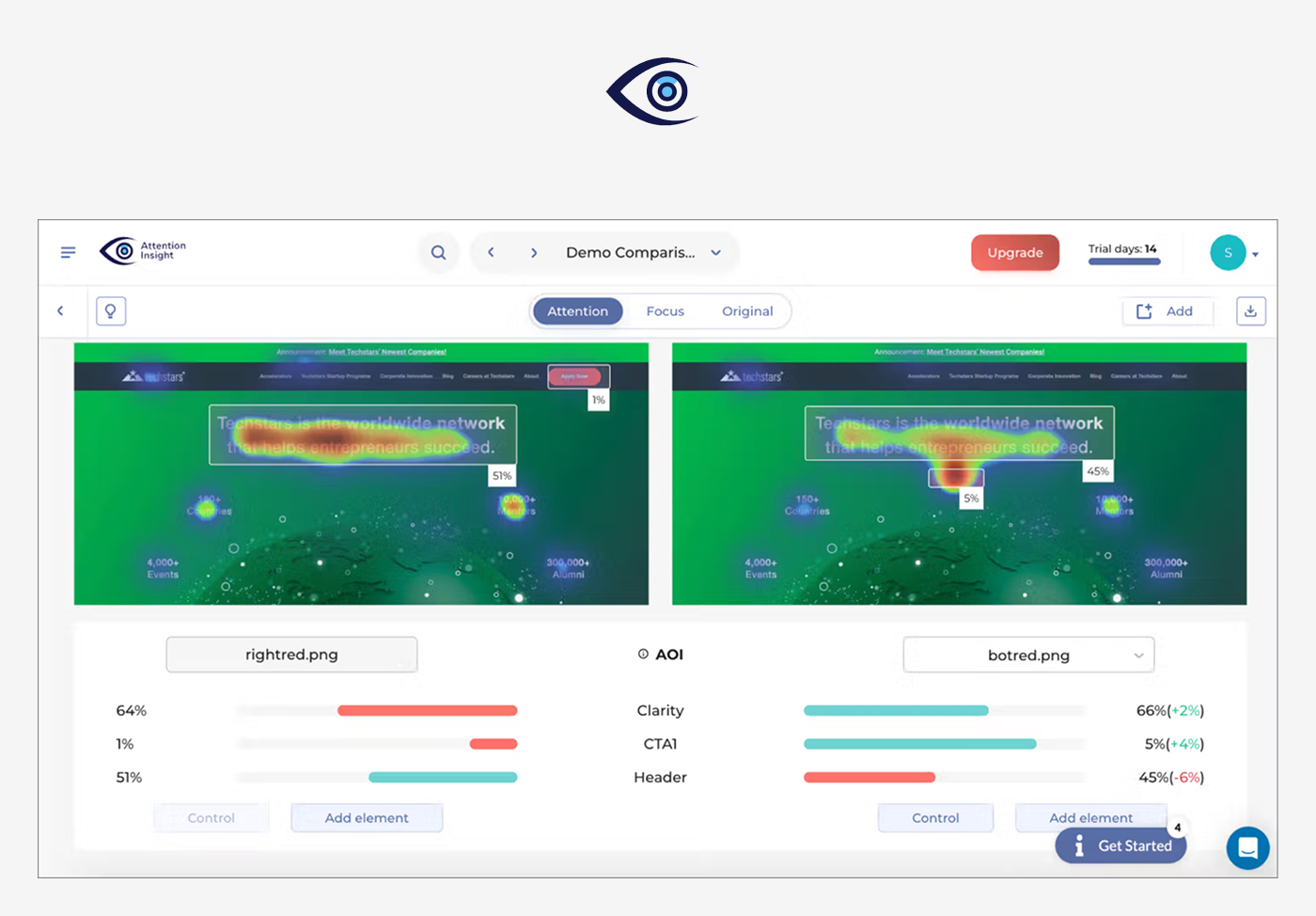
Attention Insight simulates eye-tracking using AI trained on millions of real fixation points. It helps UX designers predict where users are likely to focus—before any usability testing happens.
You can generate heatmaps to see which elements stand out (or get overlooked), compare design variations side by side, and check if key elements—like buttons or CTAs—are drawing attention. The tool also offers recommendations on how to improve visual hierarchy based on what it detects.
Attention Insight works well early in the design process, when you’re deciding between layout options or want to catch potential issues before user testing. It also includes a Figma plugin, so you can analyze designs directly within your workflow without exporting files or switching tools.
Key features
Instant AI heatmaps based on real eye-tracking data
Advanced attention metrics
A/B testing comparison
AI-powered recommendations
5. UX Pilot